How to choose backyard monkey bars your kids won’t outgrow
Monkey bars are one of the few pieces of backyard play equipment kids don’t outgrow in a single summer. A 6-year-old who can barely hang from the first rung is often crossing end to end a couple of years later. By 11, the same kid is skipping rungs and doing pull-ups.
That’s why it pays to plan before you buy. You want a set that fits your yard now and still gets used when your kids are taller and stronger. Here’s what to measure and compare first.
1. Pick a length for your kids’ ages now and in three years
Length decides how hard the bars are. A short span is plenty for a younger child who’s still learning to swing from one rung to the next. Older kids get bored with that fast unless the run is longer or they can add grips and rings to make it harder.
Age matters too. The CPSC’s playground guidance doesn’t recommend overhead ladders for children under 4, so if you have a toddler, treat the bars as something they’ll grow into.
Kit makers sell monkey bars in several lengths, so measure the yard before you choose one. Vuly’s Quest 2.1, for example, comes in small, medium, large and extra-large, plus Ninja and Pro versions. Check the listed footprint for each size, because the frame is only part of the space you need.
2. Measure for the frame plus the clearance zone
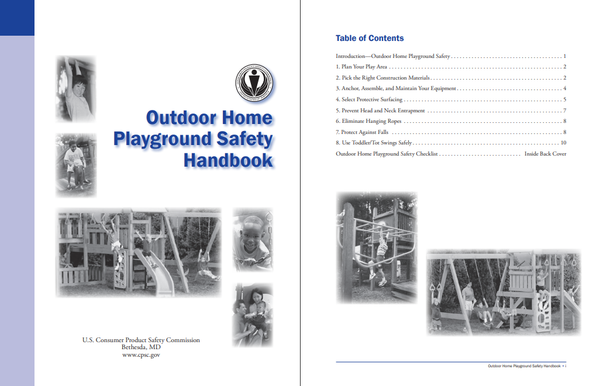
The CPSC’s Outdoor Home Playground Safety Handbook recommends a use zone of at least 6 feet in every direction around play equipment. In practice, that adds 12 feet to both the length and the width of the frame.
So if a set is 12 feet long and 6 feet wide, you’re really planning for an area of about 24 by 18 feet. Keep that zone free of fences, walls, trees, sheds and walkways, and look up for low branches and power lines too.
If you think you’ll add swings later, reserve the room now. The same handbook asks for clearance in front of and behind a swing of twice the height of its pivot point, which is far more than the 6 feet you’d need for the bars alone.
Two more siting tips. Choose the flattest part of the yard, since a slope makes anchoring harder and leaves one end of the bars higher than the other. And put the set where you can see it from a window you actually use, like the kitchen.
3. Put something softer than grass underneath
Grass and packed dirt don’t count as protective surfacing. Both wear down over time and won’t cushion a fall from overhead bars.
The CPSC handbook recommends at least 9 inches of loose-fill material. Wood mulch, wood chips, engineered wood fiber or shredded rubber at that depth covers equipment up to 8 feet high. Sand and pea gravel at 9 inches only cover equipment up to 5 feet, so they’re a poor fit under monkey bars.
Loose fill also moves. Kids land in the same spots under the bars and kick the mulch aside, so you’ll need edging to hold the depth and a rake to push it back every few weeks. Rubber tiles cost more up front but stay put; check that they’re rated for the fall height of your set.
4. Steel vs. wood: choosing the frame
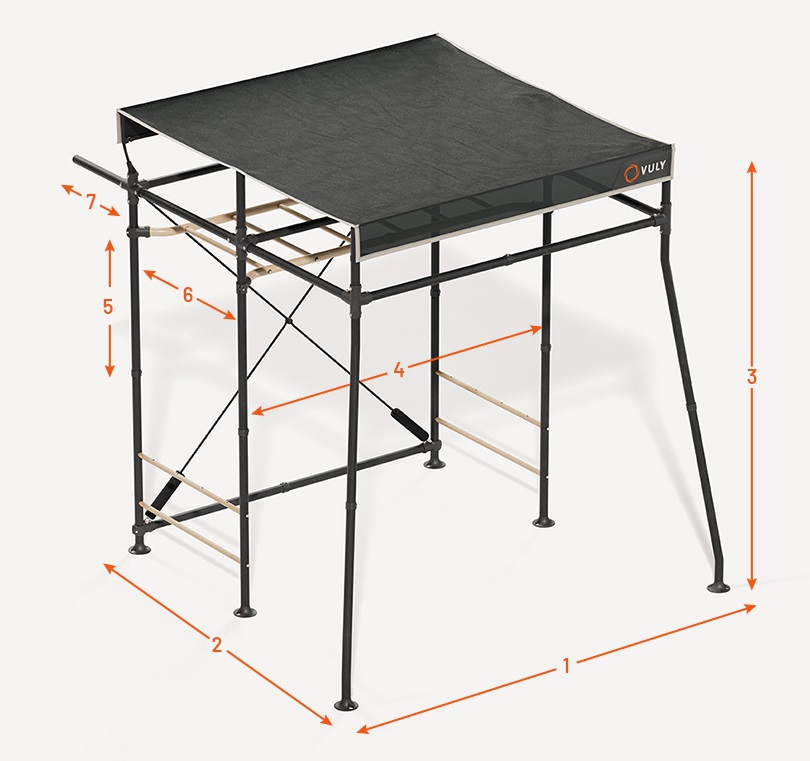
Wooden playsets from DIY plans usually rely on pressure-treated lumber and a water-repellent coating to hold up outdoors, and they need resealing over the years. If you would rather buy a kit than cut and anchor lumber, Vuly’s steel monkey bar sets are a useful comparison point, because the frame is designed to take extra swings and climbing pieces later instead of being a fixed build. The frame is galvanized, powder-coated steel, so there’s no wood to reseal, and adding a slide or a swing a few years from now means bolting a piece on rather than rebuilding. That matters if your kids are 5 and 8 today and you want the set to still get used when they’re 10 and 13.
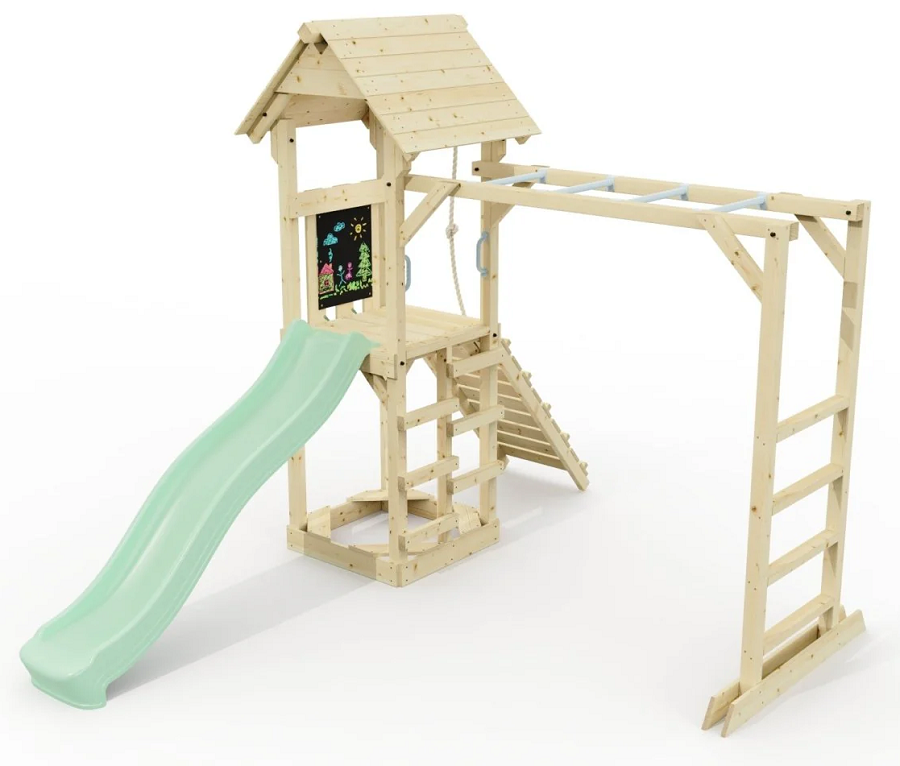
Wood still makes sense for some yards. If you’re comfortable with a miter saw and a drill, a DIY build lets you set the exact length and height, and you can stain it to match a deck or fence. The trade-off is time: a weekend or two to build, plus checking for splinters and loose bolts each spring.
Steel has its own catch. Metal rungs in direct afternoon sun can get uncomfortably hot in July, so touch the bars yourself on a summer day before the kids climb, or site the set where it gets shade after lunch.
5. Plan for add-ons as the kids get older
Monkey bars on their own tend to get the most use from one age group. Add-ons stretch that out in both directions.
A slide or a pair of swings keeps a younger sibling busy while the older one is on the bars. Gym ropes, cargo nets, ninja grips or a flying fox (a short zip line) give a 10- or 12-year-old something harder than crossing rung to rung.
When you compare sets, check whether accessories bolt onto the existing frame or need their own footprint. Then go back to your measurements from step 2 and make sure the clearance zone still works with the extra pieces attached.
6. Budget for more than the frame
Lumber for a larger DIY playset can run around $1,000 before hardware and sealant, and that’s with you supplying the labor. Kits cost more for the frame, but the price is easier to pin down. A small Quest 2.1 is currently listed at $1,348 on sale, and optional installation adds $600. Accessories are extra; the slide alone is $349.
Ground cover is easy to leave out of the budget. Covering a 24 by 18-foot zone with 9 inches of mulch takes about 12 cubic yards, which means a bulk delivery rather than a few bags from the garden center.Add it all up before you pick a length. A medium set you can surface properly is a better buy than a large one sitting on bare grass.
Workshop Walls
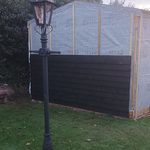
Once the tiling was finished, I took a bit of a break for the summer before starting on the walls. The walls are multi-layered and my main concern was getting the building water tight before winter hits, so the outer
 Posted in: Workshopshed4
Tags: cladding
Posted in: Workshopshed4
Tags: cladding
How Newport Landlords Can Turn a Damp Report Into a Building Diagnosis

A tenant reporting mould beside a window or damp close to a skirting board gives a landlord a useful starting point, but it does not identify the cause. Similar marks can follow condensation, rainwater ingress, plumbing leaks, high external ground
Posted in: Guest
Tags: Collaboration
Wall framing and Door
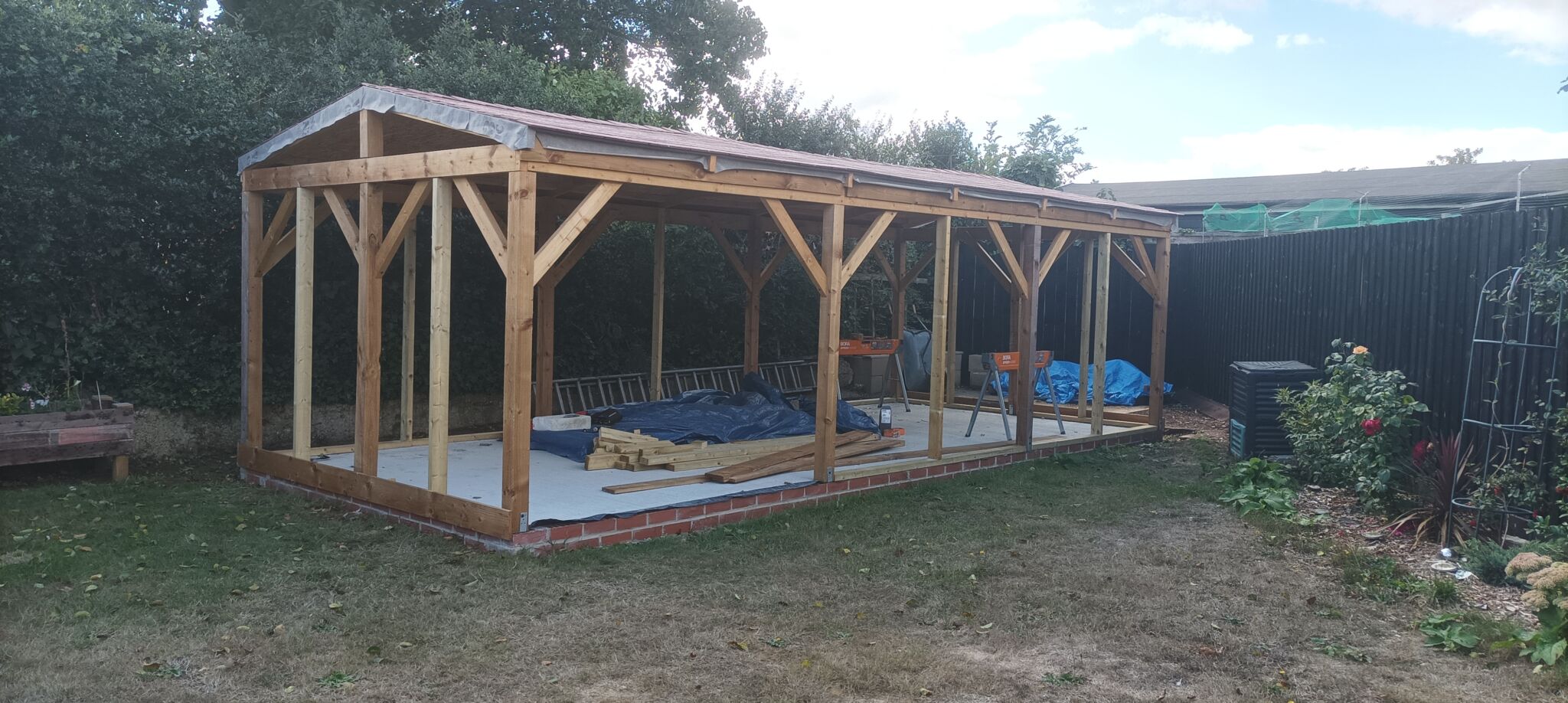
The roof tiling for the new Workshop was completed last month and had proven to work well in both hot and rainy weather. I then took a break from building for EMF Camp and for a family vacation. The next
Posted in: Workshopshed4
Pin Badge Stand
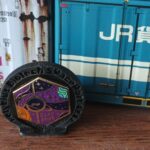
Last month, I visited EMF Camp and took home a commemorative pin badge, as I don’t have many opportunities to wear such an item, I thought I’d make a “simple” stand for it to be mounted on.
Posted in: CAD
Tags: 3d Printing, FreeCAD
Tiling a shed roof
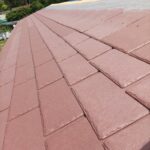
Roof pitch, life expectancy and price all factored into the selection of the right tiles. Ease of installation was a bonus.
Posted in: Workshopshed4
Tags: roof, tiles
Roof works
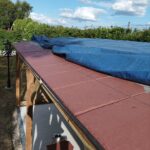
Earlier in the month when I had my strong helper, I commented that it was more important to get the boards on the roof than it was it get it perfect.
Posted in: Workshopshed4
Tags: membrane, roof, tiles
Posts, Beams and Trusses
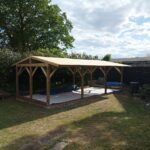
Progress on the new Workshopshed with posts, beams and roof trusses.
Posted in: Workshopshed4
Next Page »




 Metal sculpture in brass, mounted on an 1800s French Coin